Bring a still picture to life.
Drop in a picture and your song, add rain, snow, fog or a little movement, and save it as a video.
For YouTube, Reels, Stories and TikTok. Up to 1080p.
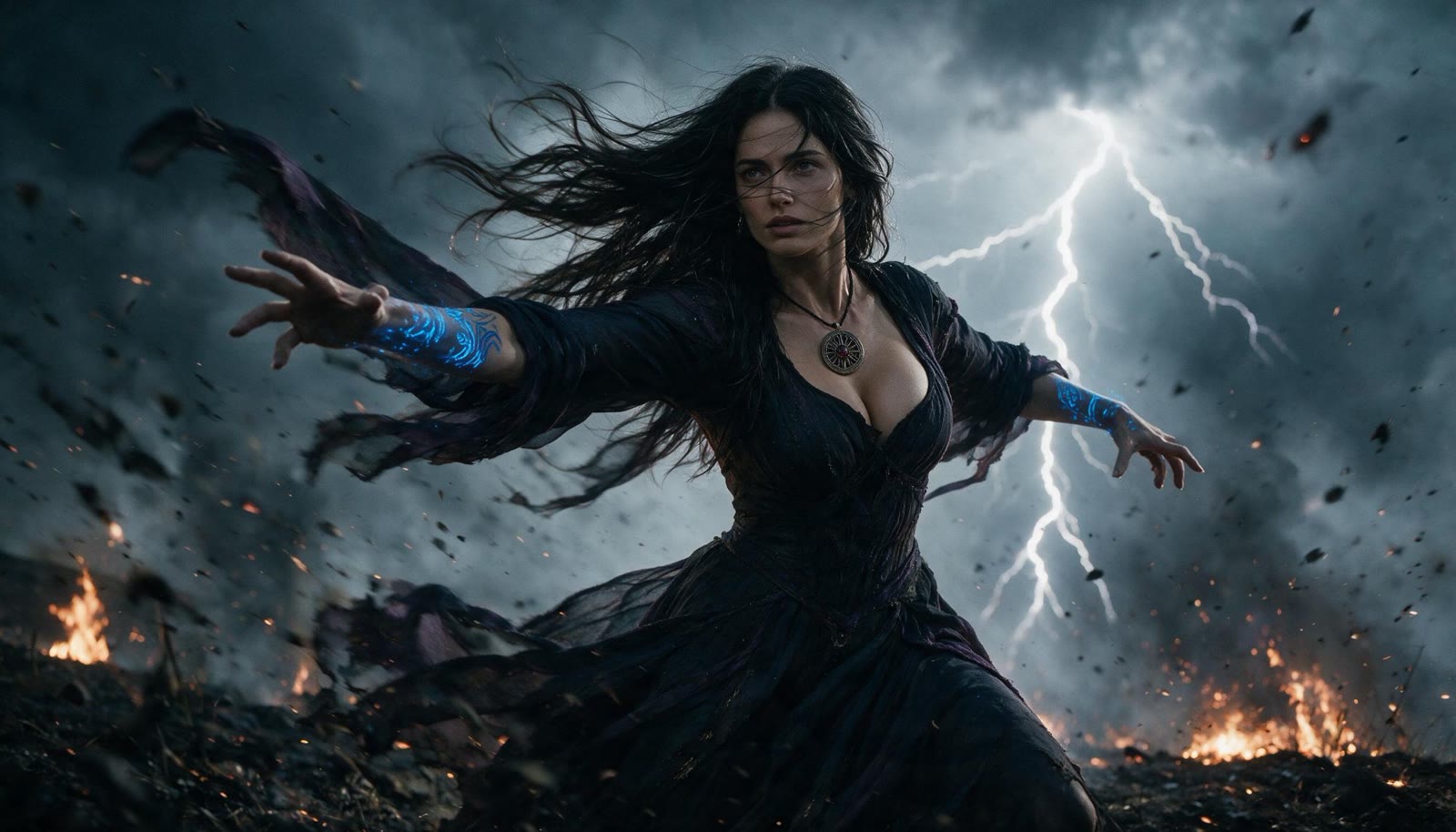
Picture: Eisa from The Hill of Forgetting (thehillofforgetting.com).
Three steps. That's all.
No timeline, no layers, nothing to learn. If you can choose a photo, you can do this.
Add a picture
Any photo or artwork. Add a song or sound too, and the video is as long as the song.
Choose what moves
Tick rain, snow, fog or slow movement, or pick a ready-made preset. You see it straight away.
Make video
Saved as an MP4 for YouTube (16:9), Reels and Stories (9:16) or square posts.
What you can add
A few effects that look right, each with one or two sliders.
Your song or sound
The video runs as long as your song, with the music in it. Start it later to skip an intro, or stop it early.
Small movement
A slow zoom or pan, like a film camera drifting. Tap the picture to choose where it zooms.
Weather
Rain, snow, drifting fog, falling leaves, rose petals or blossom.
Light and sparkle
Sun rays, twinkling sparkles, soft lights, rising embers, lightning, and the red glow and smoke of a fire nearby.
A look, any time of day
Dark fantasy, cinematic, golden, old film or black and white. At golden hour, dusk or by moonlight.
A title
Your title, a song title and two small lines, in 15 lettering styles.
What it does
- Adds weather, light and gentle movement on top of your picture. Your picture stays your picture.
- Makes the video on your own device. Nothing is uploaded.
- Saves presets you can use again for the next song. Or share one as a small file.
What it doesn't do
- It doesn't redraw your picture or invent new things in it. No AI: trees don't sway and people don't move. The effects sit on top.
- It doesn't edit video clips. One still picture in, one video out.
- It needs a fairly new browser. Chrome, Edge or a recent Safari make videos fastest. Older browsers record in real time.
The engine is part of Simple Reels
The effects engine behind Living Images is part of Simple Reels: reels for your business, made for you. Nothing goes out until you approve it.
Simple prices
Use it free with a small logo on your videos, or subscribe for videos without it.
Basic
Free, with a small logo.
Free
 livingimages.io
- One picture and one song in each video
- Up to 720p
- A small Living Images logo on every video
- All effects, looks, presets and lettering
- Unlimited videos
- No account needed
- Nothing uploaded: made on your device
Monthly
Pay month by month.
/ month
- Everything in Basic, plus:
- No logo on your videos
- Up to 3 pictures and 3 songs in one video
- Up to 1080p
Yearly
Pay once a year and save.
/ year
- Everything in Monthly
- Twelve months for the price of ten
Questions
What does it cost?
Basic is free: one picture and one song in each video, up to 720p, with a small Living Images logo. The subscription is a month, or a year (two months free): no logo, up to 3 pictures and 3 songs, and 1080p. Unlimited videos either way. Try the subscription free for 7 days first, no card needed.
Can I use it for free?
Yes. Basic is free for as long as you like: one picture and one song in each video, up to 720p, with a small Living Images logo in the corner. The free trial and the subscription add no logo, up to 3 pictures and 3 songs, and 1080p.
Can I use more than one picture or song?
Yes, with a subscription (and during the free trial): up to 3 pictures and 3 songs in one video. The songs play one after another with a soft blend, and each picture fades into the next. With as many pictures as songs, each picture goes with its song. Longer videos take longer to make, especially on a phone.
Do I need an account?
Yes, a Simple Reels account, so your subscription works on your computer and your phone. Your pictures and songs still never leave your device: only your sign-in and subscription are online.
How will it show on my bank statement?
Payments are handled by Stripe through its Onelink service, which shows as "LINK.COM" on your statement and sends the receipts. Prices include VAT and other sales taxes.
How do I cancel?
In your account, with one click. You keep using it until the end of the month or year you paid for, and you aren't charged again.
Are my pictures uploaded anywhere?
No. The picture and song are read by your browser and the video is made on your device. The only things loaded from the internet are this page and the lettering fonts (from Google Fonts). The tool remembers your last settings and your presets on this device only.
Does it work on my phone?
Yes. On a phone, 720p is quicker and uses less memory, especially for long songs. You can add it to your home screen like an app.
How long does it take?
It depends on your device and how long the video is. On a normal computer, a 4-minute video at 1080p took about 20 seconds. Phones are much slower: a long video can take several minutes there, and 720p is quicker. Very long videos (over about 10 minutes) may not fit in a phone's memory. While it's being made, the tool shows how long is left; keep the page open until it's finished.
Can I use the videos on YouTube, Instagram or TikTok?
Yes, the videos are yours. Just make sure you have the right to use the picture and the song you put in.
Can I skip the start of my song?
Yes. You can start the song later (to skip an intro) and stop it earlier. With no song, you choose the length.